Spaghetti (Physical Process) Map
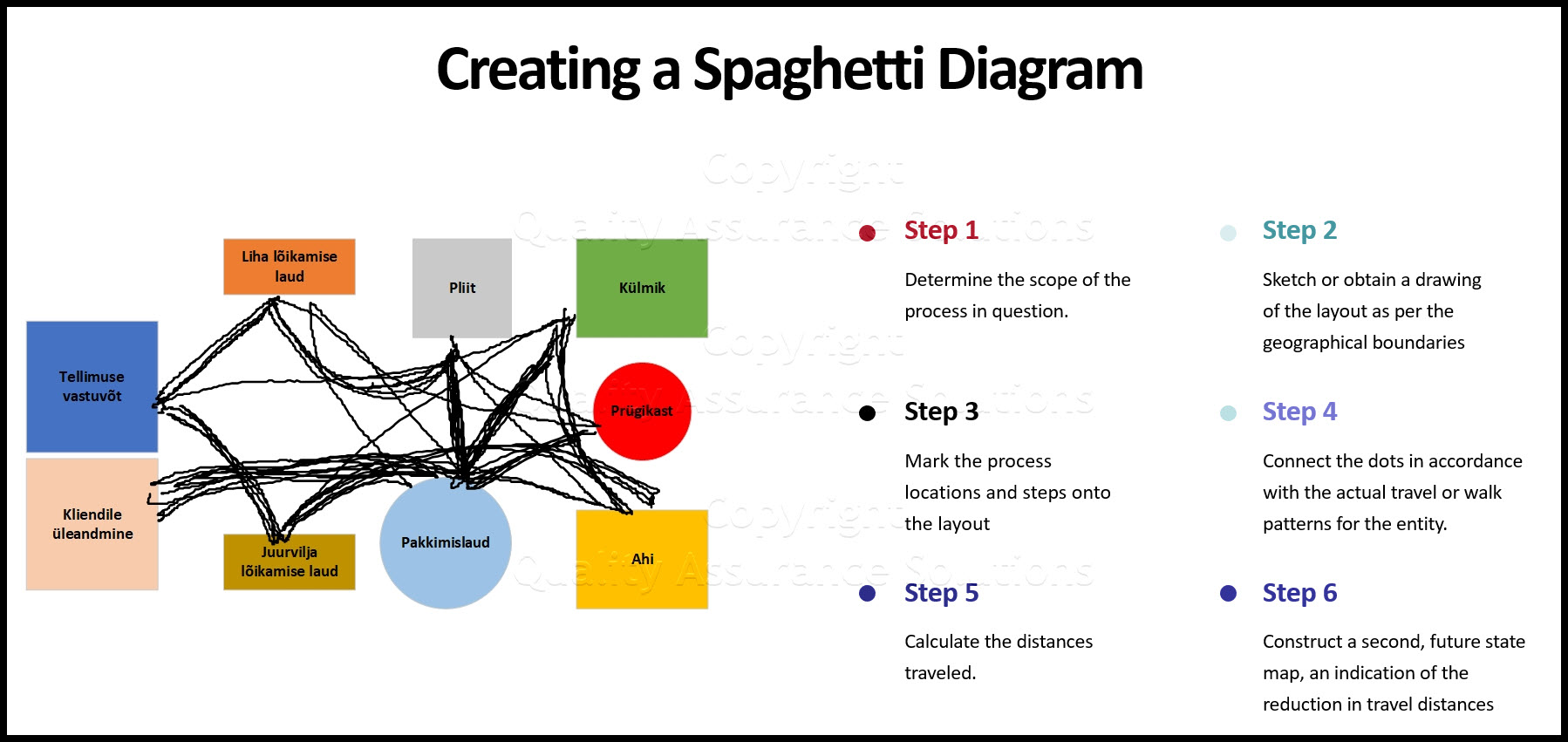
A Spaghetti Map or Physical Process Map is a simple Lean Sigma tool. It demonstrates the physical flow of an entity or multiple entity types (product, patient, information, order, and so on). It visualizes the associated distance travel for a single cycle of a process. Graphically it represents travel distance and travel patterns.
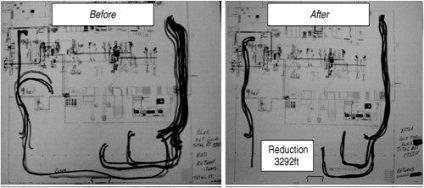
This particularly useful map shows excessive movement of an entity or entities through a process. A highly simple, visual tool, helps streamline a process. Kaizen events frequently uses this tool. In that context, it shows the existing problems in a process and communicates the potential benefit of change to a new layout or flow as shown below
Spaghetti Map Showing Material Movement Before And After A kaizen Event
Roadmap
Step 1. Determine the scope of the process in question. Include the entity, the start point, end point, and geographical boundaries of the process
Step 2. Sketch or obtain a blueprint or CAD drawing of the facility/process layout as per the geographical boundaries
Step 3. Mark the process locations and steps onto the layout, as shown in the left side of Figure below

8D Manager Software with 8D, 9D, 5Y and 4M report generator. Your corrective action software for managing, measuring, and reporting issues.
Construction Of A Spaghetti Map
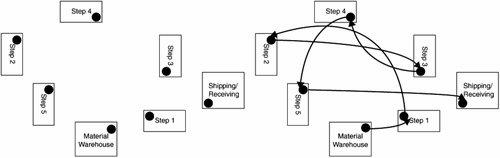
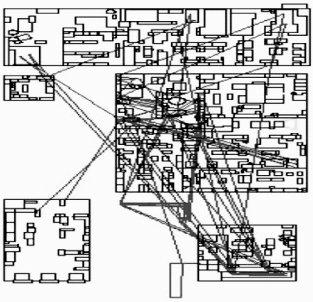
Step 4. Connect the dots in accordance with the actual travel or walk patterns for the entity. Don't draw straight lines as shown in below. This is incorrect, because entities don't typically tend to fly through the air around a facility. Map the path as the entity actually travels, similar to that shown above. Draw the paths for just a single cycle of the process.
Incorrect Use Of Mapping Lines
Step 5. Calculate the distances traveled. This is done with a measuring device such as the wheel-on-a-stick contraption or an electronic pedometer.
Step 6. After completing the Map rearrange the map to minimize the non value added transport time. After improving the layout of the process, construct a second, future state map, an indication of the reduction in travel distances, as shown in the top figure.
More Info
7 Wastes of Lean
Learn the 7 Wastes of Lean with this article.
What is Continuous Improvement?
We answer the question, "What is continuous improvement". Quality Assurance Solutions provides the continuous improvement tools.
Lean Manufacturing
Lean manufacturing is a generic process management philosophy derived mostly from the Toyota Production System (TPS)
Here we Define Kaizen Events, Blitzes, and the 5S Concept.
We define Kaizen as an important continuous improvement tool for your business. Understand the Kaizen 5S concept of small improvement changes.
Benchmarking Definition and Benchmarking Best Practices
Our Article on benchmarking definition, benchmarking best practices, advantages of benchmarking and benchmarking steps. What is benchmarking?
Level Mix Model Production
Level Mix Model Production means scheduling daily production in a sequence that evens out the peaks and valleys of produced quantities. Learn more!
Mistake proofing
Mistake proofing is defined as an improvement technology that uses a device or procedure
Quick Changeover
a NARROW view of Quick changeover as only the time required to pull an existing tool or fixture and set the new tool or fixture. but there is much more to it.
One Piece Flow
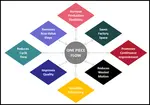
This article discusses all the benefits to one piece flow. Work cells help your manufacturing process with this.
Lean Thinking
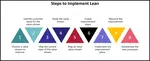
Become a friend with lean thinking. Learn the steps to implement the lean process.
Theory of Constraints Concepts and Details
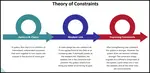
See our article on Theory of Constraints. Every system keeps at least one constraint that limits the system outputs
Takt Time
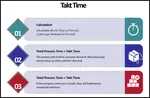
Takt Time is defined as :The rate at which the end product or service must be produced
SMED
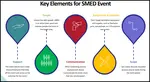
SMED: Rapid changeover or rapid setup is also known asSingle Minute Exchange of Dies (SMED) and was devised by ShigeoShingo
OEE
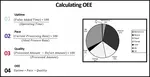
Overall Equipment Effectiveness ( OEE ) is used extensively in the maintenance and equipment reliability world to examine equipment availability.
Lean vs Agile
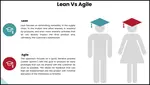
Lean vs Agile: Which process methodology is best for your industry?
The 7 Wastes of Lean
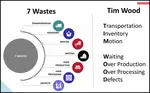
Learn the 7 wastes of Lean, the Tim Wood acronym, and how they affect your company's bottom line and the actions to counter these wastes.
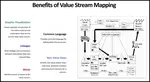
Value Stream Mapping
a value stream mapping is the first step required in any lean improvement initiative
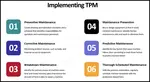
TPM
Total Productive Maintenance: Learn the implementation steps for full TPM at your facillity.


 |
Software, Videos, Manuals, On-Line Certifications | |
 |
450+ Editable Slides with support links | |
|
|
Corrective Action Software | |
 |
Plan and Track Training | |
 |
AQL Inspection Software | |
 |
Learn and Train TRIZ |